
Scan HPE Nonstop for CVEs.
Prove It. Fix It

scanned it, you didn’t.
Trusted by Top Enterprises

Global Banks

Payment Processors

Retailers
Telecommunication
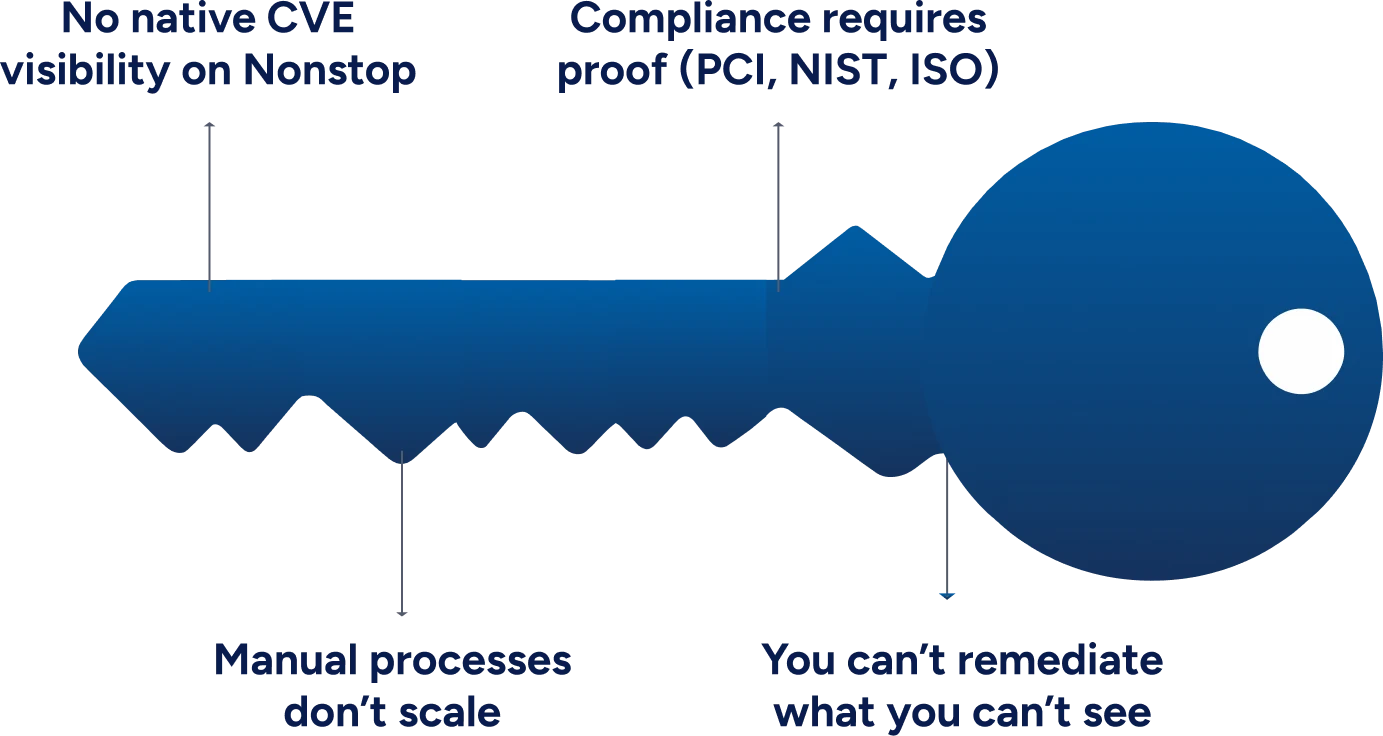
Key Challenges in Vulnerability Management for Nonstop
There are many reasons that cause security and compliance problems in HPE data, from regulation requirements to security threats. Here is a look at some of the key challenges.
Watch This to Understand How Aegis Scan Works
XYGATE Aegis Scan - Continuous Protection, Simplified Compliance

Built for HPE Nonstop

Mapping for Risk Scores
Risk scores are mapped to be prioritized by vulnerability analysis

Standardized Output
Standardized CSV, XML, and JSON output for effortless VMP integration

Lightweight and Native
No effect on HPE Nonstop performance due to lightweight, native nature
"*" indicates required fields
How Does XYGATE Aegis Scan Work?
Aegis Scan works in the most automatic sense and makes your job much easier.
This is how you can get it:
Pull CVE data (HPE + external sources)

Scan NonStop environment (OS + software)
Output to tools (Qualys, Tenable, SIEMs)
Frequently Asked Questions
1. What formats are Aegis Scan reports provided in?
Aegis Scan provides scan reports in XML, CSV, or JSON formats, which are used widely by most systems.
2. Can Aegis Scan be operated with ease?
Aegis Scan is easy to operate and is a lightweight tool for HPE Nonstop systems. You will not have any problems using it.
3. Are risks scored on the Aegis Scan?
CVE severities are scored as NULL, LOW, MEDIUM, HIGH, and CRITICAL on Aegis Scan.
4. Does Aegis Scan support all HPE Nonstop systems?
Aegis Scan supports every HPE Nonstop system. On top of that, systems installed manually are also allowed.
5. What compliance standards are checked by Aegis Scan?
Aegis Scan checks all known major compliance standards like PCI DSS, NIST, ISO 27001, and others to give maximum weightage to them.